Note down
A Markdown editor for Mac. Your notes stay plain .md files, formatted as you type.
Coming soon to the Mac App Store · Requires macOS 26 or later
What it does
Plain Markdown files
Every note is a .md file in a folder you choose, saved exactly as you wrote it.
Formatted as you type
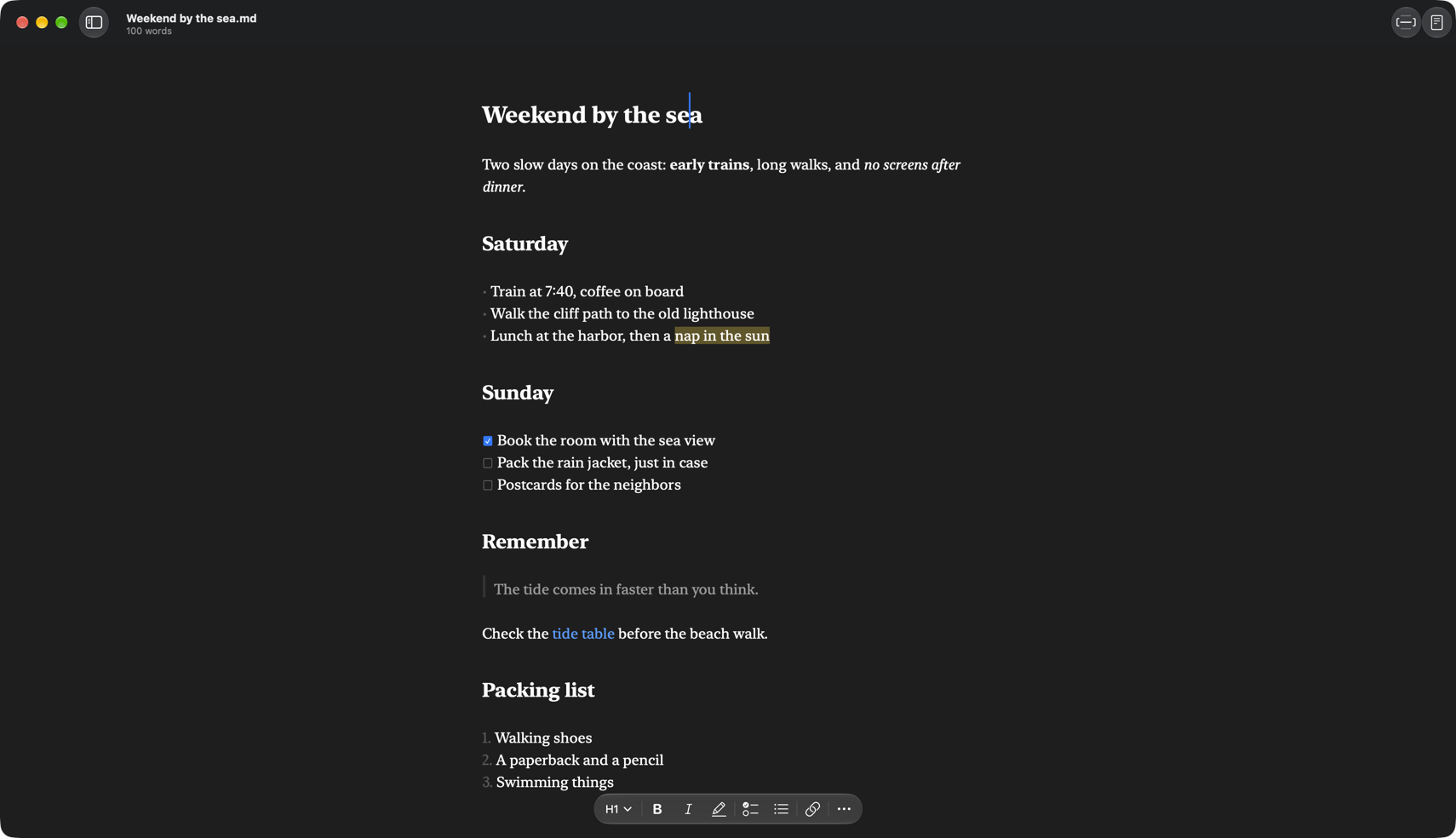
The page shows the formatting. Show the Markdown around the cursor, or everywhere.
Format bar
Headings, bold, italic, highlights, lists, tasks and links in one click.
Outline
Every heading in the sidebar. Click one to jump there.
Focus
Focus Mode, Typewriter Scrolling, and a page that stays quick at 100,000 words.
A real Mac document
Autosave, version history, Print and Export as PDF.
Private by design
No account, no analytics, no tracking. Note down makes no network connections, so your notes stay on your Mac.
Read the privacy policy